Screenshots
Visual documentation of the Bellamy Book application.
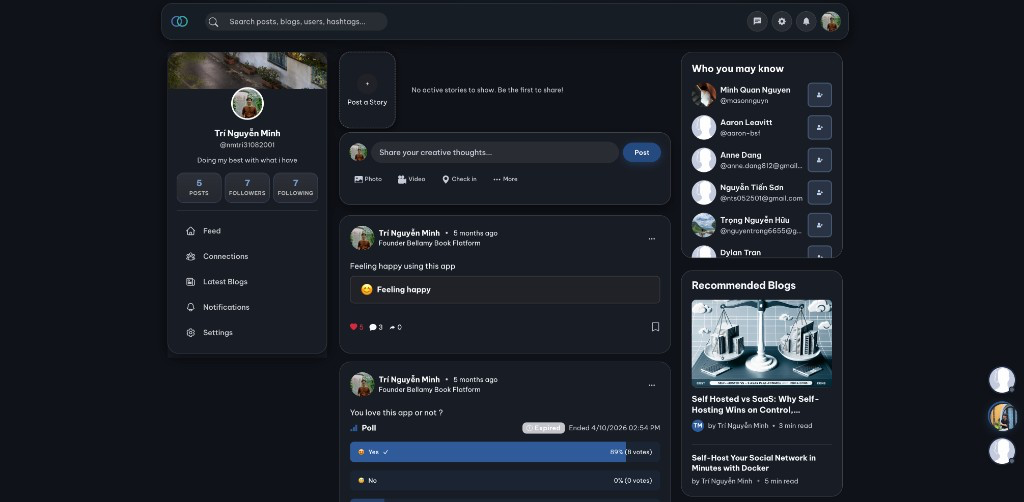
Home Page
The main home page with feed, profile sidebar, post composer, and suggestions.
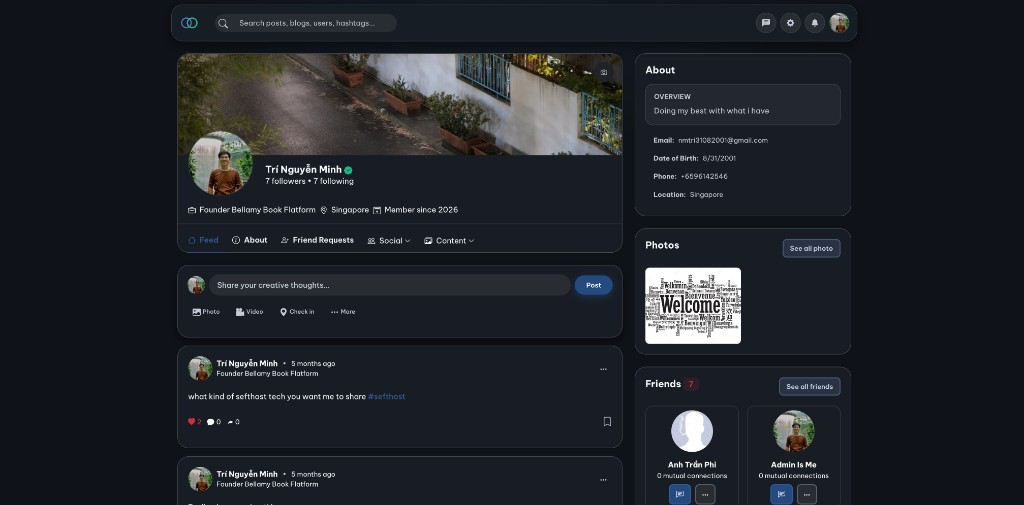
User Profile
User profile page with cover photo, profile picture, stats (followers, following, member since), tabs (Feed, About, Friend Requests, Social, Content), post composer, and sidebar (About, Photos, Friends, Who you may know).
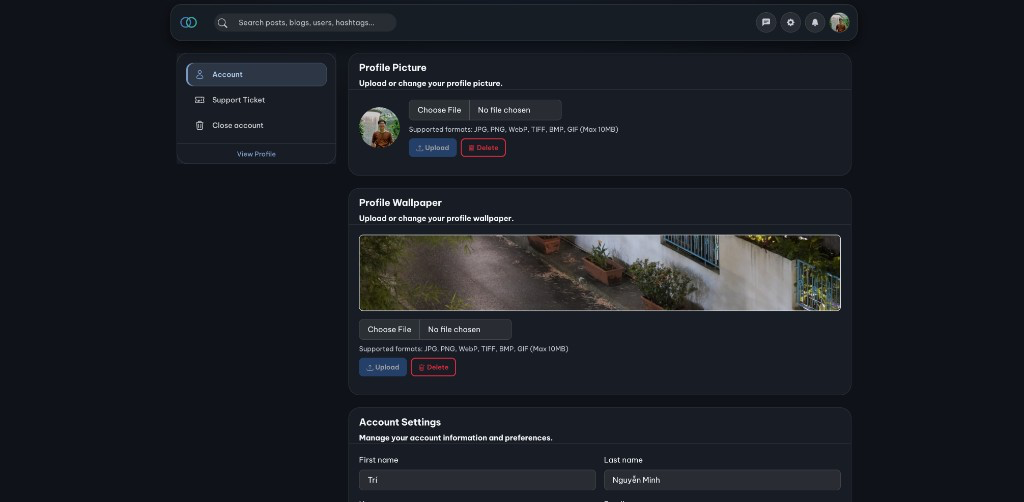
Settings
Settings page with sidebar (Account, Support Ticket, Close account, View Profile); Profile Picture and Profile Wallpaper upload (Choose File, supported formats, Upload/Delete); and Account Settings section.
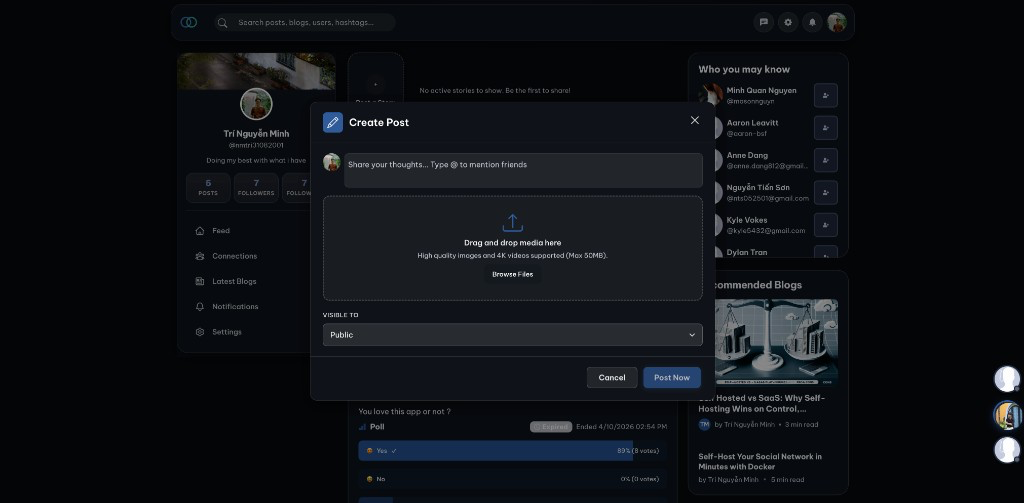
Post Creation
Create Post modal: text area with @mentions, drag-and-drop media (images/videos, JPG/PNG/WebP, MP4/MOV/AVI, max 100MB), visibility (e.g. Public), and Cancel/Post actions.
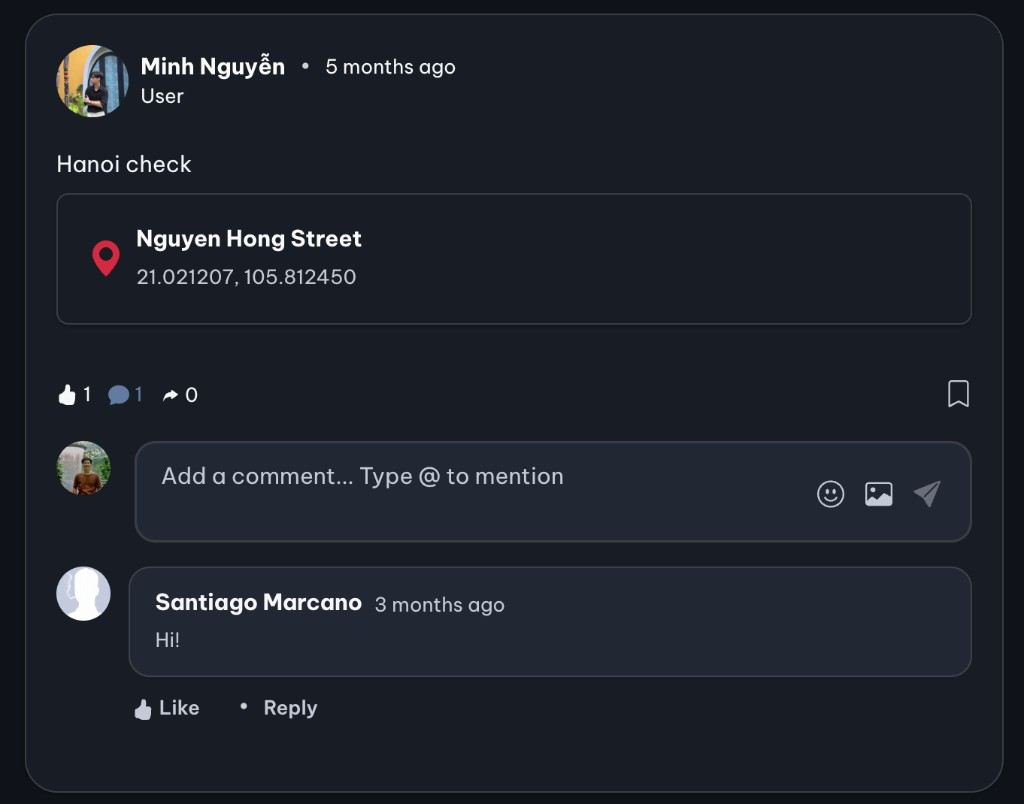
Comments
Post with comment section: post content and media, reactions (e.g. Love, Comments, Share); comment input with @mentions and emoji/photo/send; existing comments with Like and Reply.
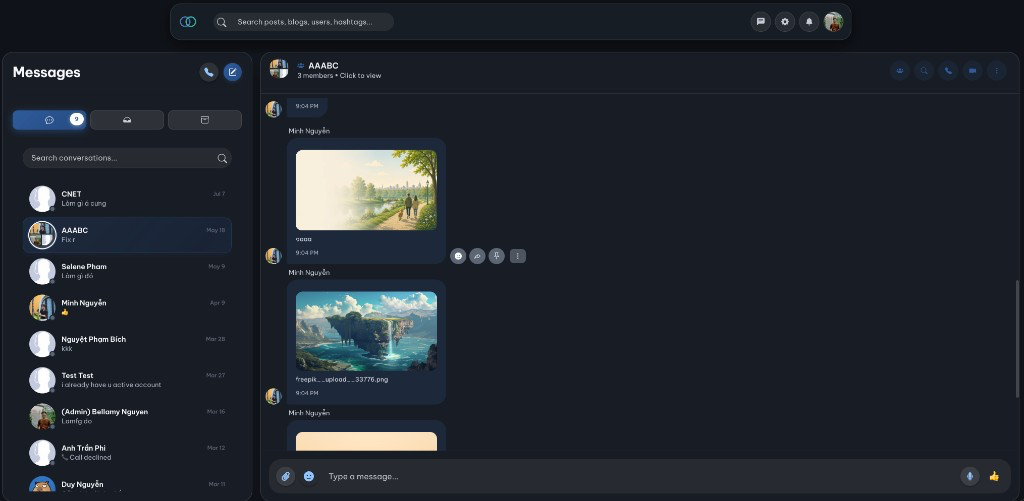
Messaging
Message page with conversations list (search, filters for primary/archive), active chat header (online status, search, call, video call), message history with timestamps, and input (attachments, emoji, voice, send).
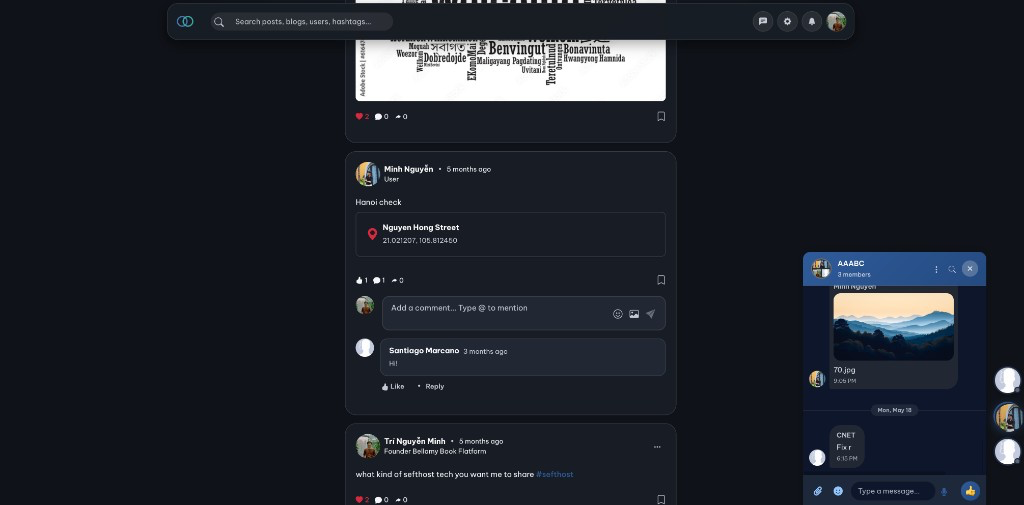
Messaging in main page: Chat overlay while browsing the feed.
Stories
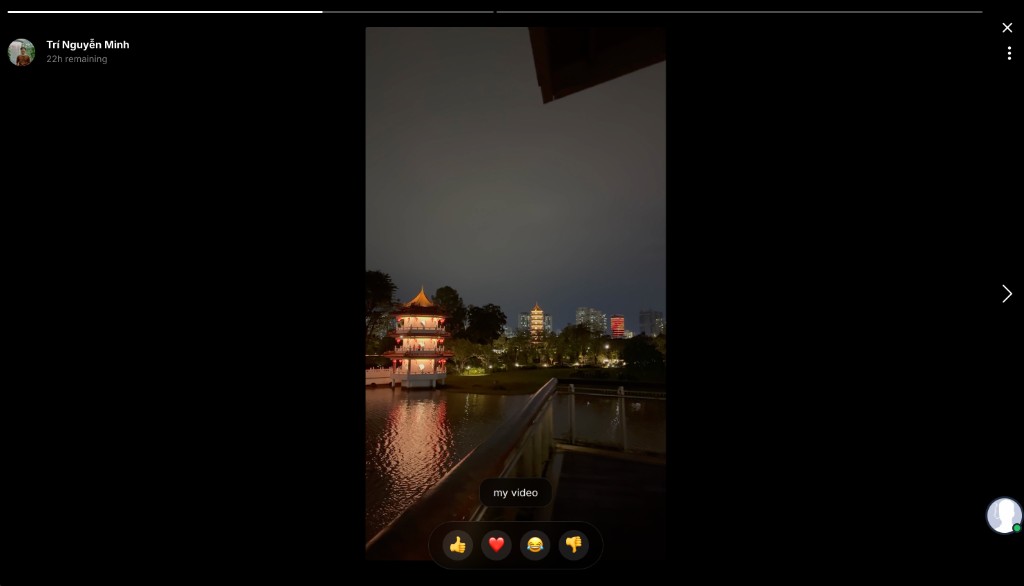
Full-screen story viewer with creator avatar and name, time remaining, progress bar, story content (e.g. video), next/close/menu controls, and bottom reactions (e.g. like, heart, laugh) plus quick reply.
Blogs
Blogs page with search bar, theme toggle, and Author action; featured/trending hero (tag, title, description, date/views/read time, Read More); and stats (Total Blogs, Categories, Total Views, Community).

Admin Panel
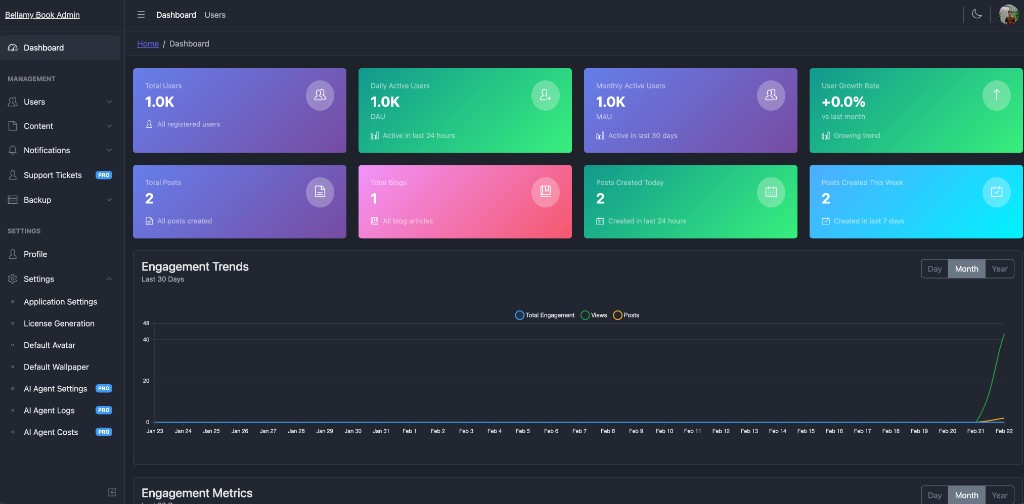
Bellamy Book Admin dashboard: sidebar (Dashboard, Users, Content, Notifications, Support Tickets, Backup, Settings); summary cards (Total Users, DAU, MAU, User Growth, Total Posts, Total Blogs, Posts Today/Week); Engagement Trends graph (Day/Month/Year) and engagement metrics.
Mobile View
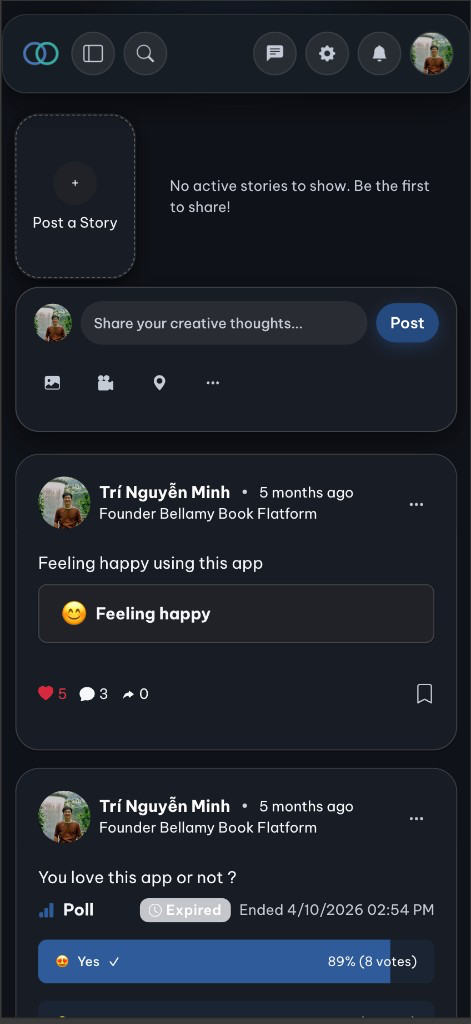
Mobile-optimized single-column layout: top nav icons, stories row (Post a Story + user stories), post composer (Share your thoughts, Photo/Video/More), and feed with posts (e.g. video with play/quality controls).
Notifications
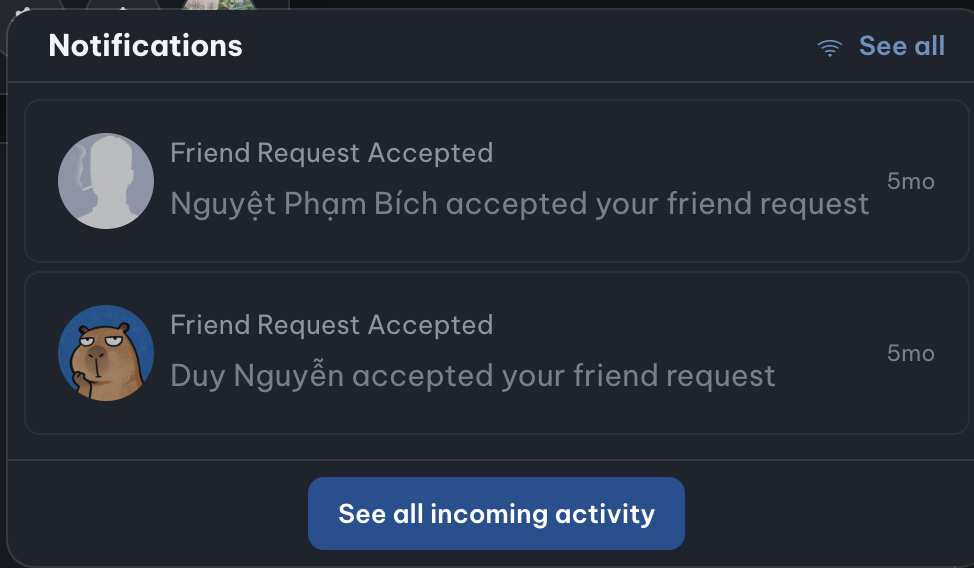
Real-time notification dropdown with friend request accepted, avatar updated, and story-ready alerts; unread badge, timestamps, and "See all" / "See all incoming activity" links.